 Ambiant Pixel
A live wallpaper for your Mac, in pixel art
macOS has no built-in way to run an animated wallpaper. Each theme pack comes with a small Mac app that places the live scene behind your desktop icons, sized for MacBook Air and MacBook Pro screens, plus ultrawide and 4K for external displays.
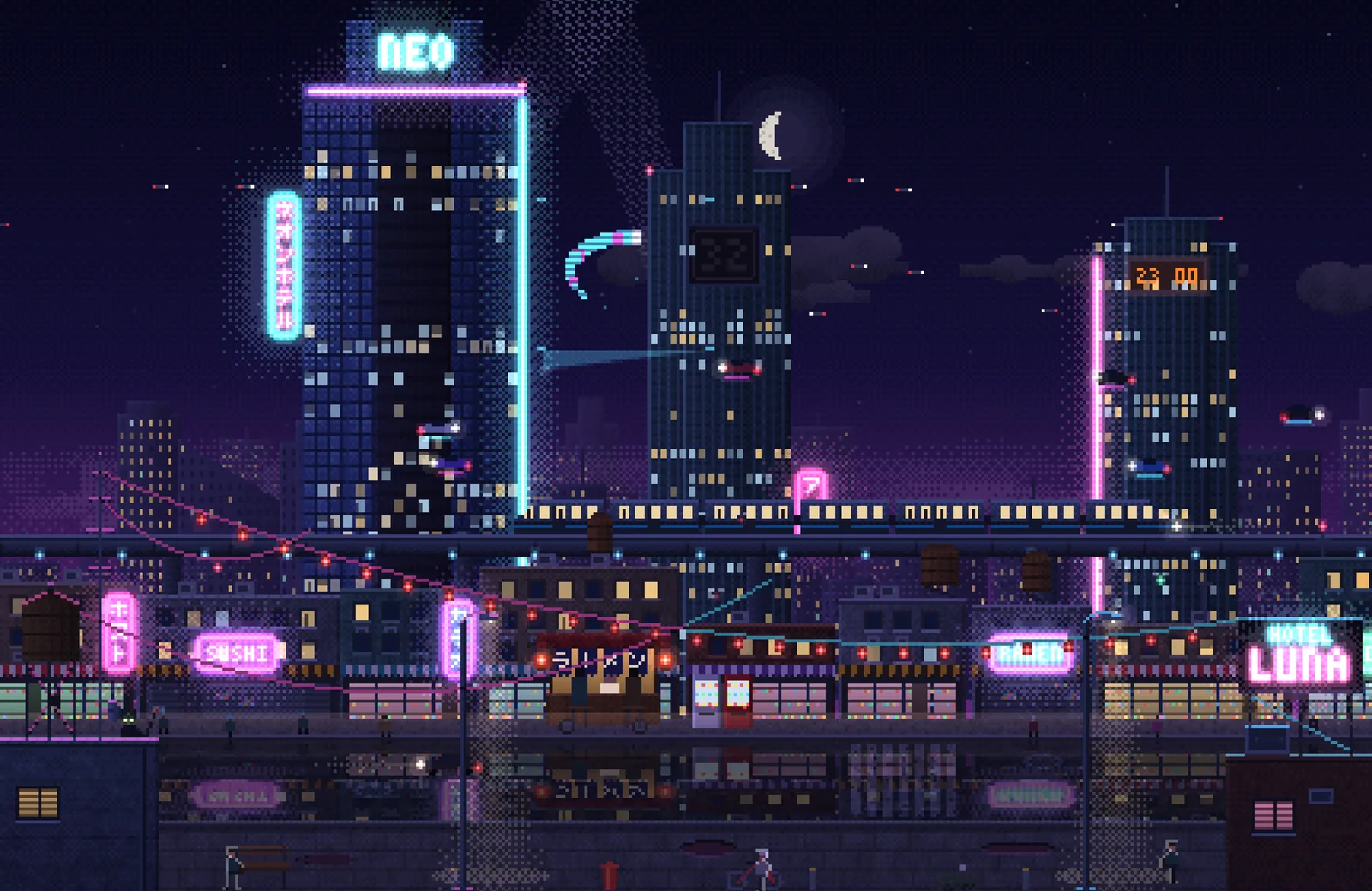
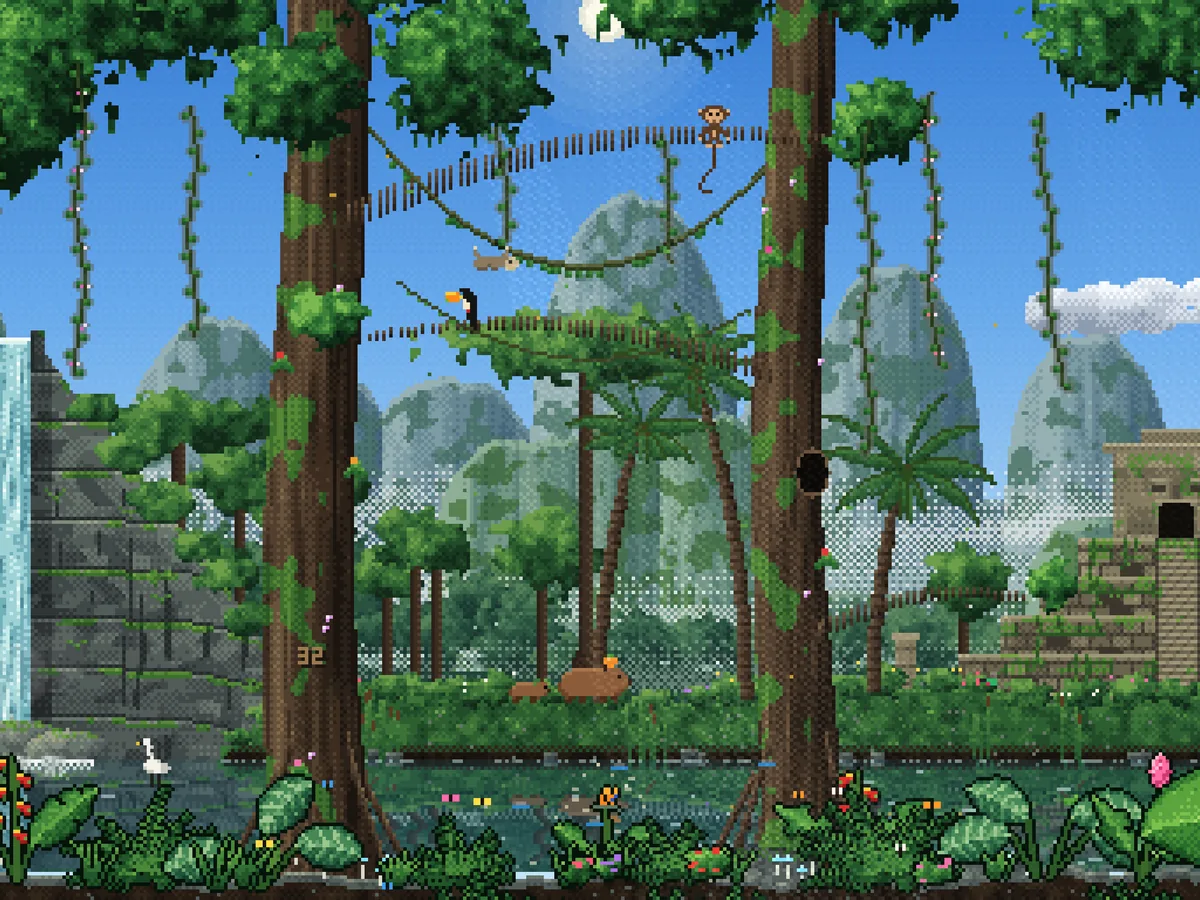
Jungle for Mac, $6Neon City for Mac, $6Free version (browser / Plash)
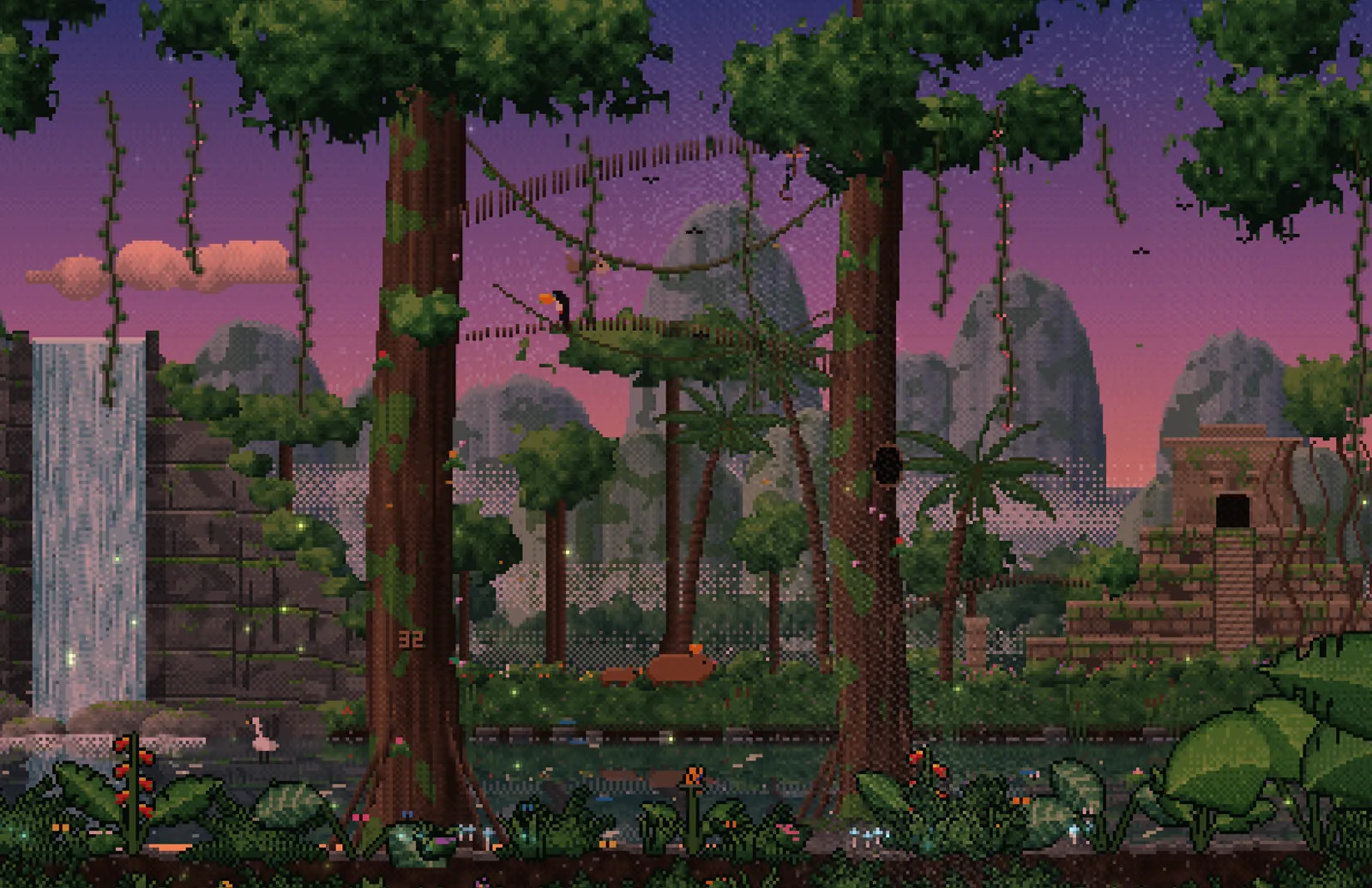
Live demo: Jungle
This is what runs on the desktop, here in 16:9 in your browser.
Full screen in a new tab ↗ · More controls (time, rain, events) on the home page demo.
Gallery
Install on macOS
- Download the pack from itch.io and unzip the Mac app.
- Move it to Applications and open it.
- The app is not notarized: the first time, open System Settings → Privacy & Security and click “Open Anyway”.
- The wallpaper now runs behind your icons and follows your clock.
Free option: the free Plash app can show any HTML file as a wallpaper. Point it to Jungle_16x9.html from the free download. Or open the file in Safari and go full screen.
Mac sizes in the pack
- MacBook Air 15 2880×1864
- MacBook Pro 14 3024×1964
- 16:10 2560×1600
- 4K 3840×2160
- 21:9 3440×1440
- 32:9 5120×1440
Also on Windows: Lively Wallpaper and Wallpaper Engine.
Pricing
Pay once, keep it. Prices in USD, pay more if you like. Sold on itch.io, refunds within 14 days.
Jungle Free
- Interactive 16:9 HTML wallpaper, every live feature
- 1080p video loop and three 1080p stills
- Ready-made Lively and Wallpaper Engine versions
Jungle pack
- 16:9 up to 4K, 21:9 (3440×1440), 32:9 (5120×1440)
- 5K2K, triple screen, Steam Deck, MacBook, iPad, phones
- Wallpaper Engine, Lively and Mac app, videos and stills
Neon City pack
- 16:9 up to 4K, 21:9 (3440×1440), 32:9 (5120×1440)
- 5K2K, triple screen, Steam Deck, MacBook, iPad, phones
- Wallpaper Engine, Lively and Mac app, videos and stills
Collection
- Jungle + Neon City, every format
- Night Train added at no extra cost on October 27
- The price goes up with each new theme
FAQ
Does it drain my MacBook battery?
It renders at low resolution and 30 fps at most, which keeps it light, but any animated wallpaper uses some power. Quit the app on battery if you want every minute.
Why does macOS block it the first time?
The app is not notarized by Apple. Open System Settings → Privacy & Security and click “Open Anyway” once.
What about an external monitor?
The pack has 4K, 21:9 and 32:9 files for external displays. Plash can also show a different file on each screen.