 Ambiant Pixel
32:9 animated wallpaper, made at 5120×1440
Most “ultrawide” live wallpapers are 16:9 scenes stretched or cropped. Ambiant Pixel scenes are composed for super ultrawide first: the Jungle artwork is 5120×1440, pixel for pixel, so a 49-inch Samsung Odyssey G9, Neo G9, OLED G9 or Dell U4919DW shows the whole scene, edge to edge.
Jungle 32:9 pack, $6Try the free version
Live demo: Jungle
The browser demo below runs in 16:9 so it fits every screen. The pack contains the native 32:9 files, composed for 5120×1440 and never stretched.
Full screen in a new tab ↗ · More controls (time, rain, events) on the home page demo.
Gallery
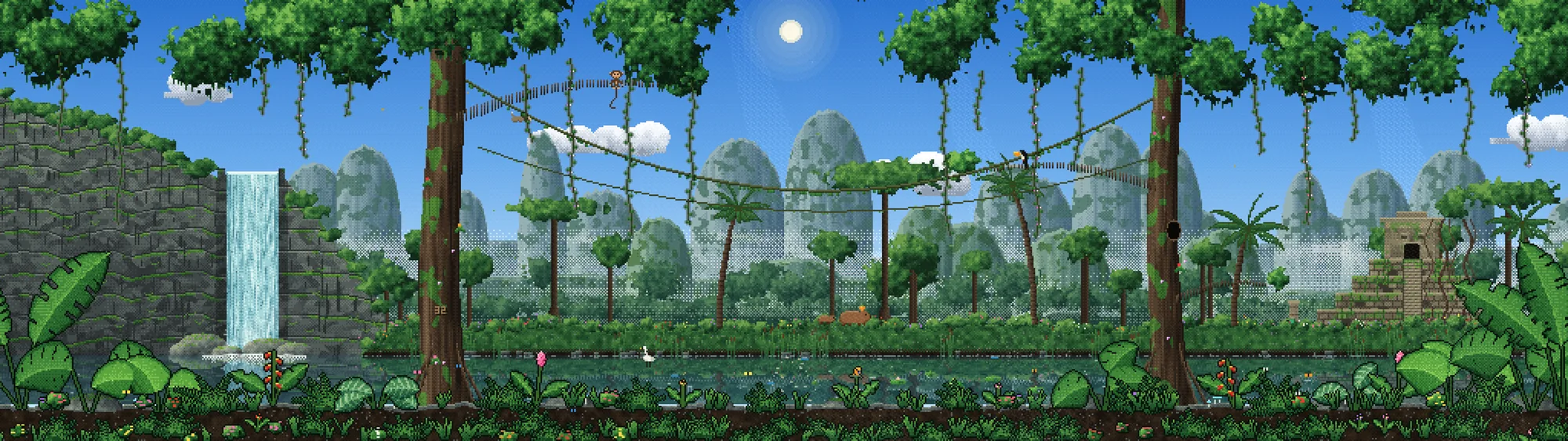
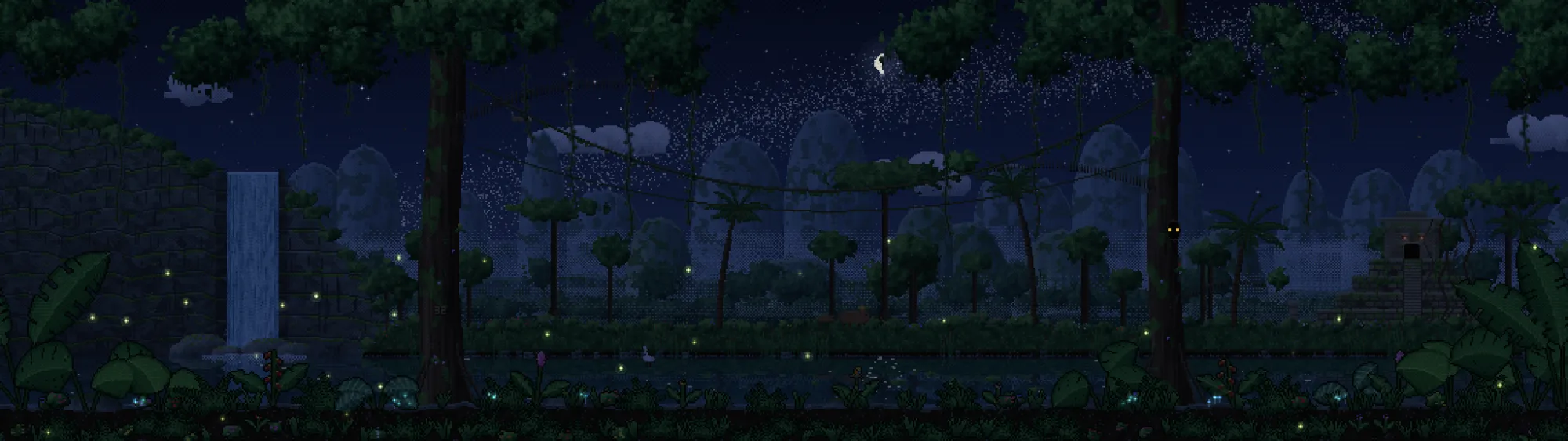
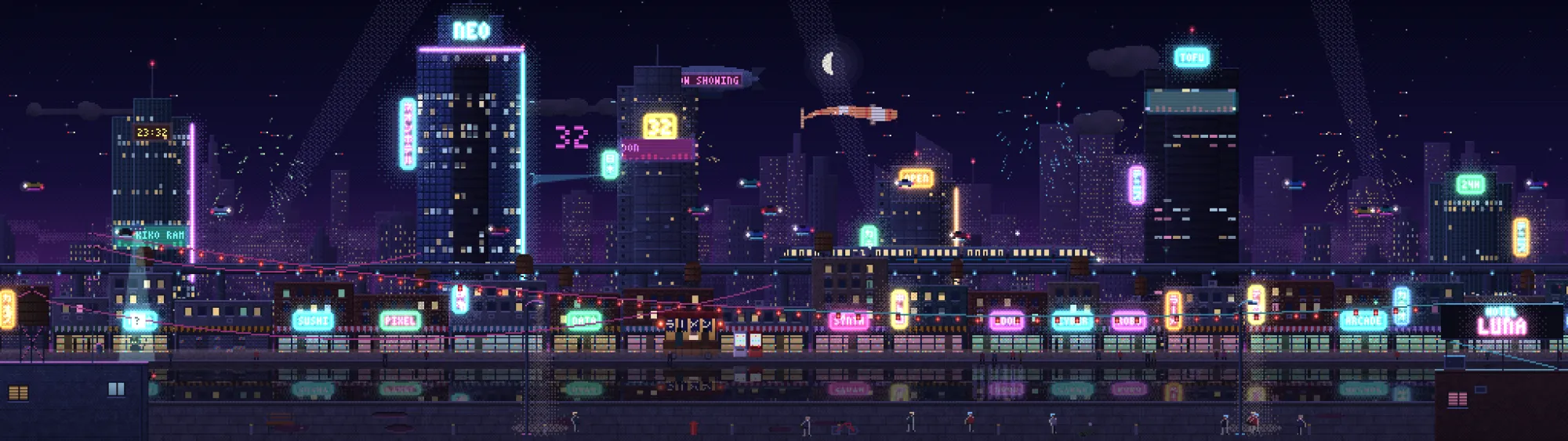
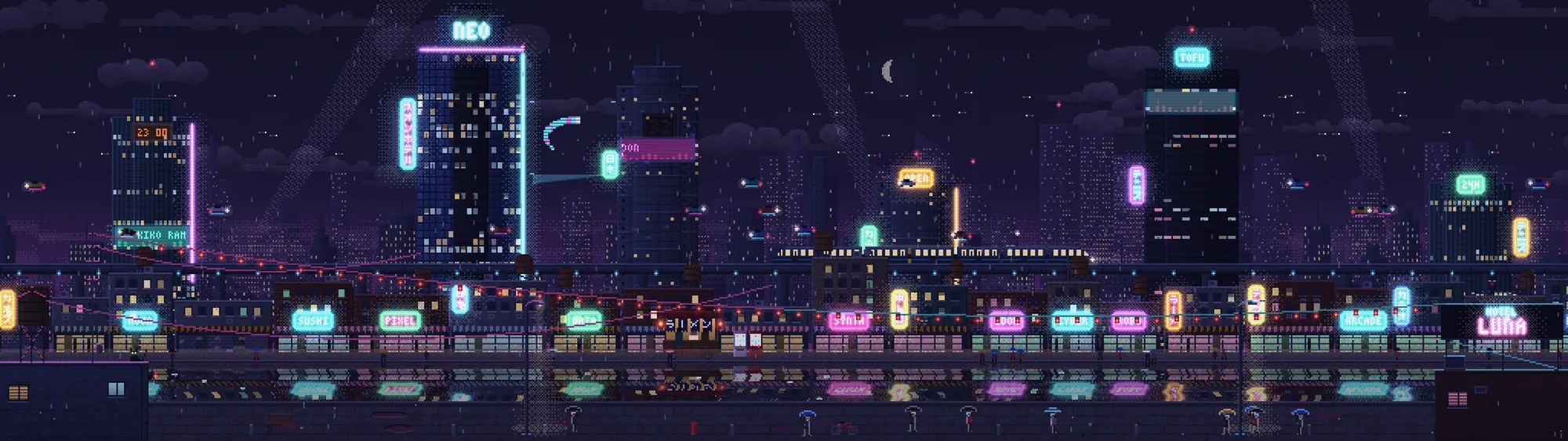
Why 32:9 needs its own artwork
A 5120×1440 screen is two 1440p monitors side by side. A 16:9 image either gets stretched (round moons turn into eggs) or cropped (you lose the top and bottom of the scene). Here the scene is laid out for the full width: the waterfall and the first giant tree on the left, rope bridges in the middle, the stone temple on the right. Nothing sits behind the curve where your eyes never go.
Pixels stay crisp because the scene is drawn at a low internal resolution and scaled by a whole number to 5120×1440. No blur, no half pixels.
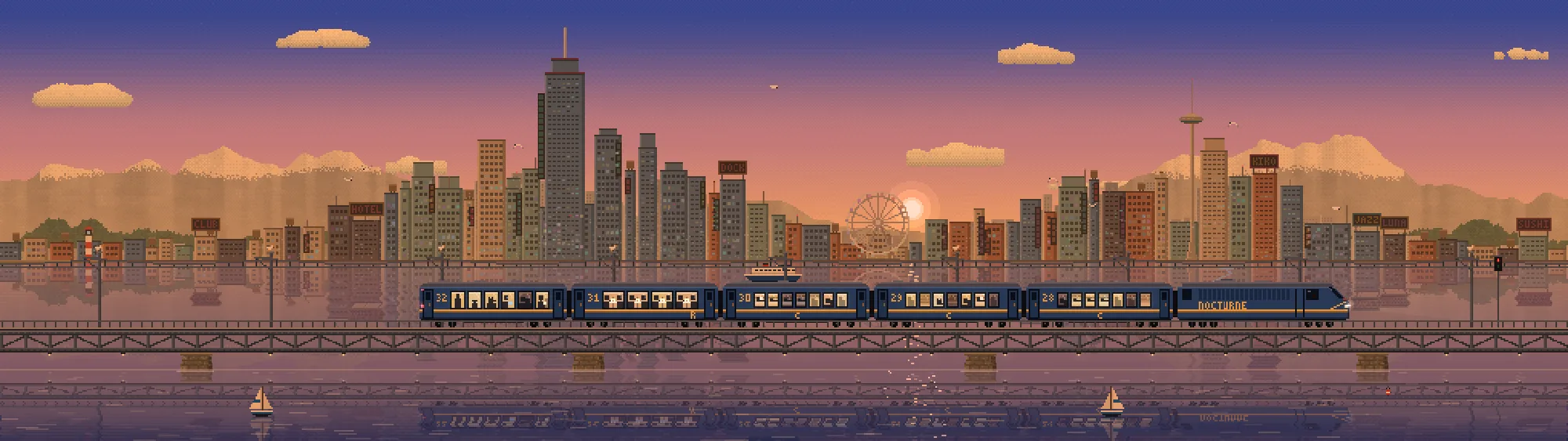
- 5120×1440 nativeJungle, Neon City, and Night Train from October 27.
- 7680×1440 triple screenFor three 16:9 monitors in span mode.
- Live, not a loopThe HTML version follows your clock and the real moon phase.
- Light on the GPU30 fps cap, paused when a game runs full screen.
How to set it on a 32:9 monitor
- Wallpaper Engine: Open Wallpaper → Open from File, pick the project in the pack, set the scaling to “Fill”.
- Lively Wallpaper (free): “Add wallpaper”, choose the 32:9
.htmlfile. - Mac: the pack’s Mac app puts it behind your desktop icons.
- Static: PNG stills at 5120×1440 for day, dusk and night, and 32:9 video loops.
Also see the 21:9 ultrawide wallpaper page for 3440×1440 and 5K2K screens.
Pricing
Pay once, keep it. Prices in USD, pay more if you like. Sold on itch.io, refunds within 14 days.
Jungle Free
- Interactive 16:9 HTML wallpaper, every live feature
- 1080p video loop and three 1080p stills
- Ready-made Lively and Wallpaper Engine versions
Jungle pack
- 16:9 up to 4K, 21:9 (3440×1440), 32:9 (5120×1440)
- 5K2K, triple screen, Steam Deck, MacBook, iPad, phones
- Wallpaper Engine, Lively and Mac app, videos and stills
Neon City pack
- 16:9 up to 4K, 21:9 (3440×1440), 32:9 (5120×1440)
- 5K2K, triple screen, Steam Deck, MacBook, iPad, phones
- Wallpaper Engine, Lively and Mac app, videos and stills
Collection
- Jungle + Neon City, every format
- Night Train added at no extra cost on October 27
- The price goes up with each new theme
FAQ
Will it fit my Samsung Odyssey G9?
Yes. The G9, Neo G9 and OLED G9 are 5120×1440, the exact size the 32:9 files are made for. The same goes for the Dell U4919DW and other 49-inch 32:9 monitors.
Is the 32:9 version stretched from 16:9?
No. The Jungle scene was drawn for 32:9 first. The 21:9 and 16:9 versions are recomposed so the waterfall, both great trees and the temple stay in frame.
Is there a free 32:9 version?
The free download is 16:9 only. The native 32:9 files come with the $6 theme pack or the $10 Collection.
Does it work on two or three monitors?
Yes. Each pack has a 7680×1440 version for three 16:9 screens; set your wallpaper app to span.